
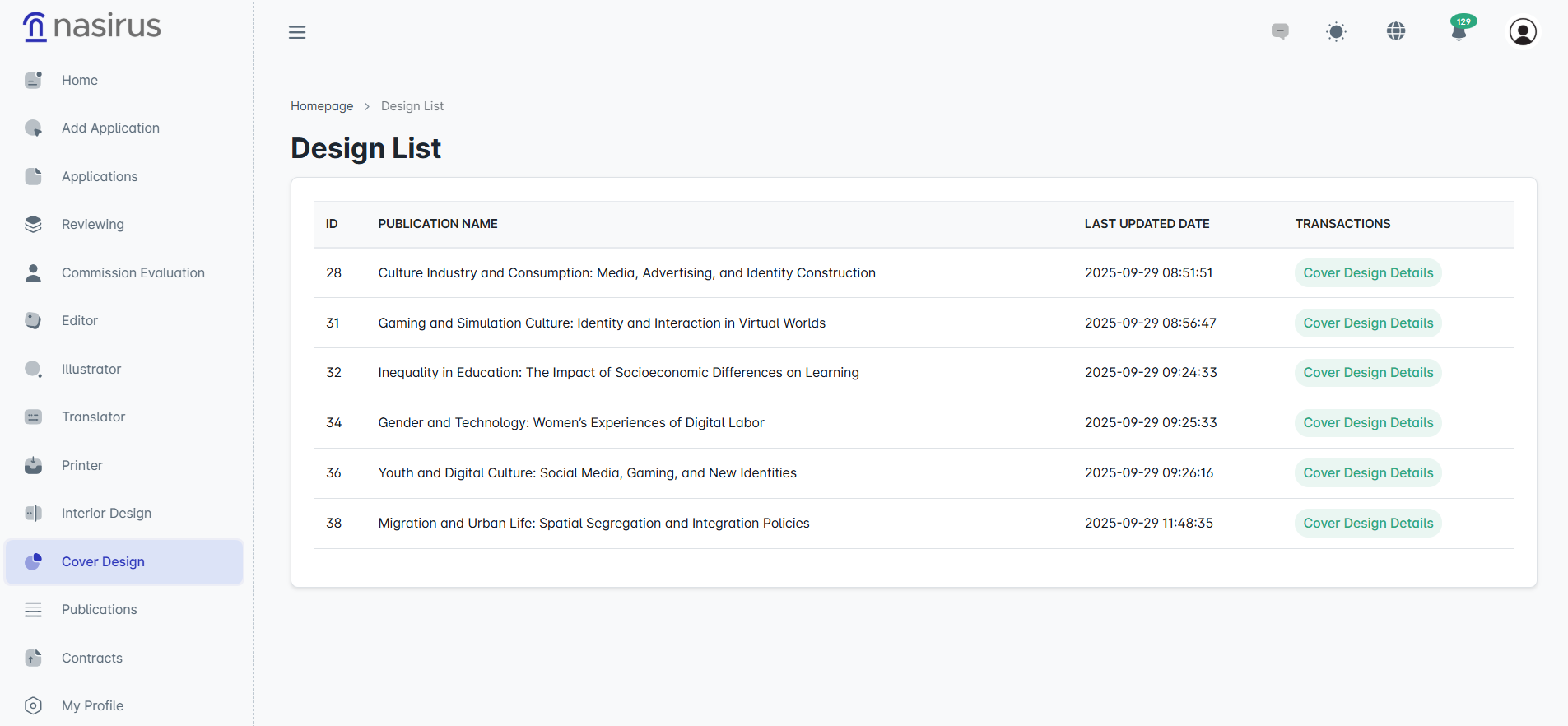
The cover design process is the stage carried out to create the visual identity of the work and professionally present the material to be published.
On this screen, the publications assigned to the cover designer are listed. The list shows the publication’s title, last updated date, and action buttons to access the detail screen. The designer selects the relevant publication from the list to reach the detail screen.
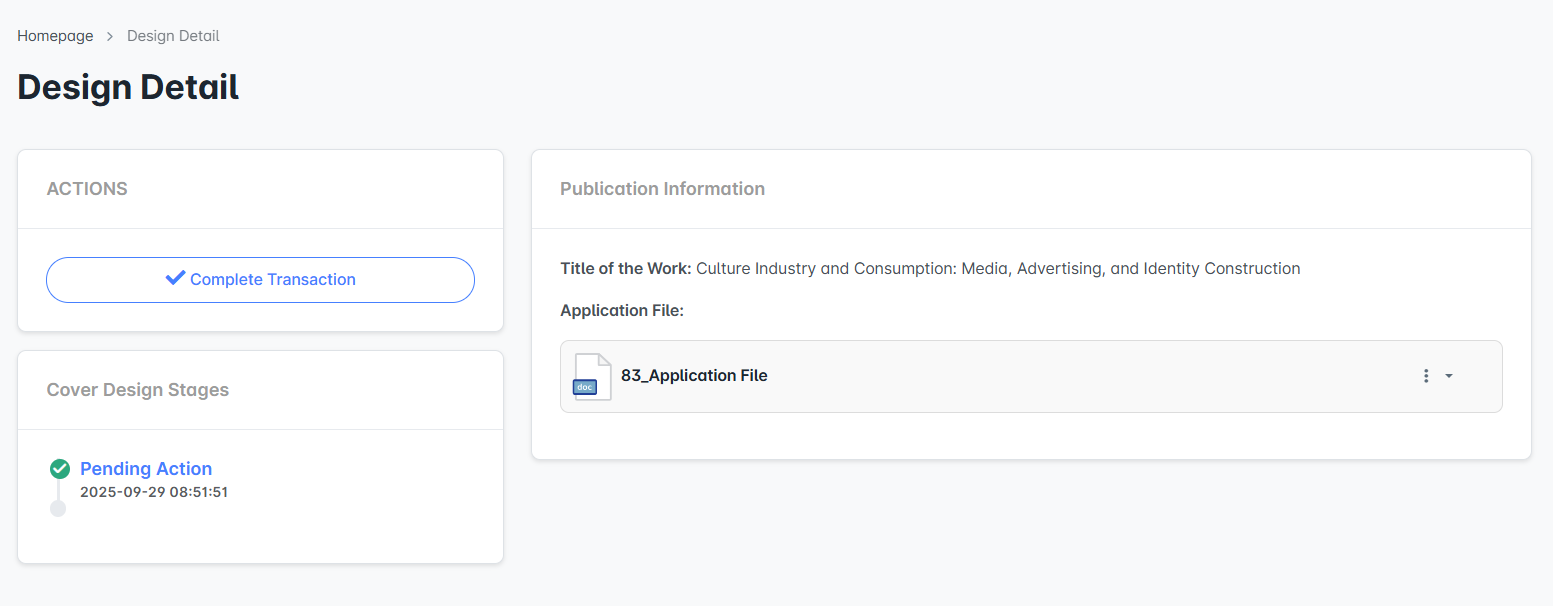
On the detail screen, the work’s title and application file are displayed. At this stage, the designer is responsible for creating a cover design that suits the content of the work. The progress of the design process is recorded using the “Complete Process” option.
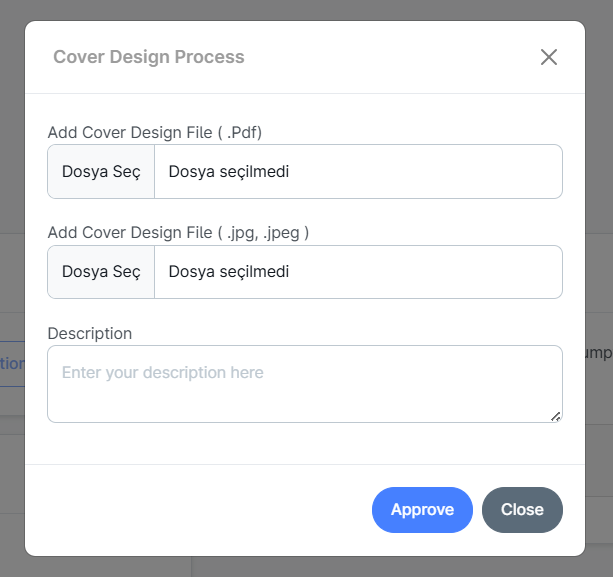
In the cover design process window, the designer uploads the prepared files to the system. Upload options typically include previewing the cover design in PDF format and images in .jpg/.jpeg format. Additionally, a description field provides administrators with information about the design's content, selected colors, typography, or additional notes.