
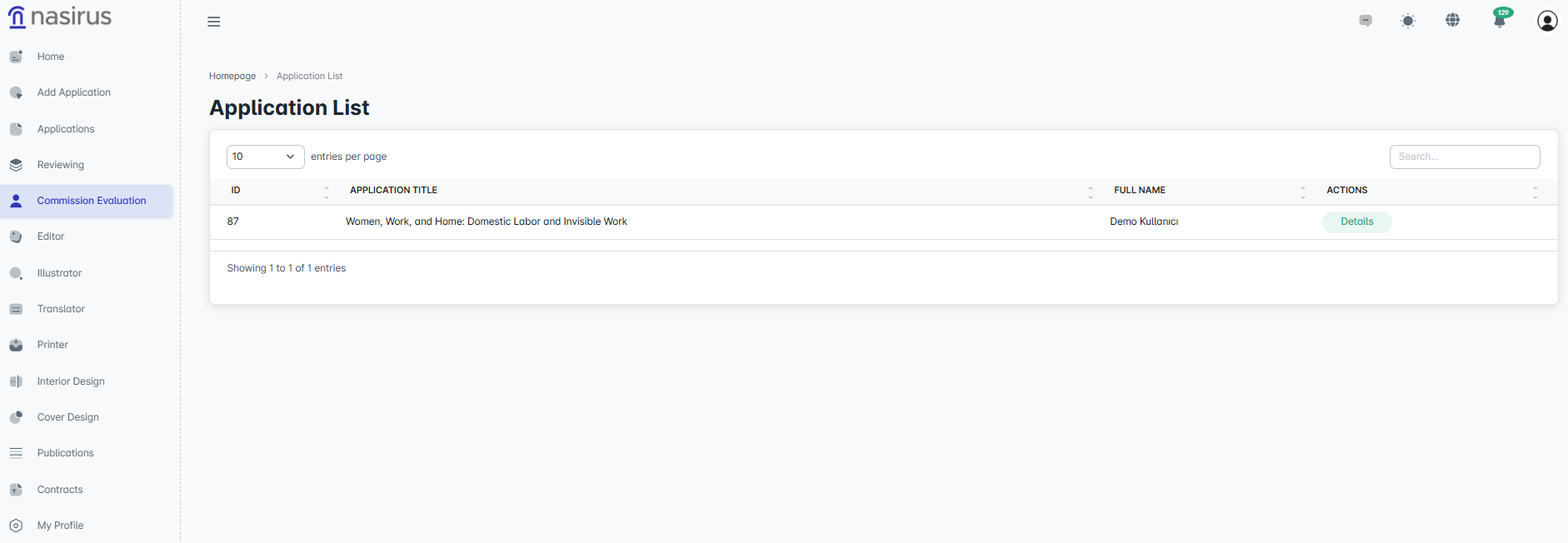
The committee evaluation section is where applications that have either passed the approval process in the system or have been assigned to the committee are reviewed and finalized. On the first screen, committee members can see the applications assigned to them for evaluation. This list includes the application ID, title, applicant’s first and last name, and a “Details” button in the action column. By clicking the “Details” button, the committee member can access all the details of the application
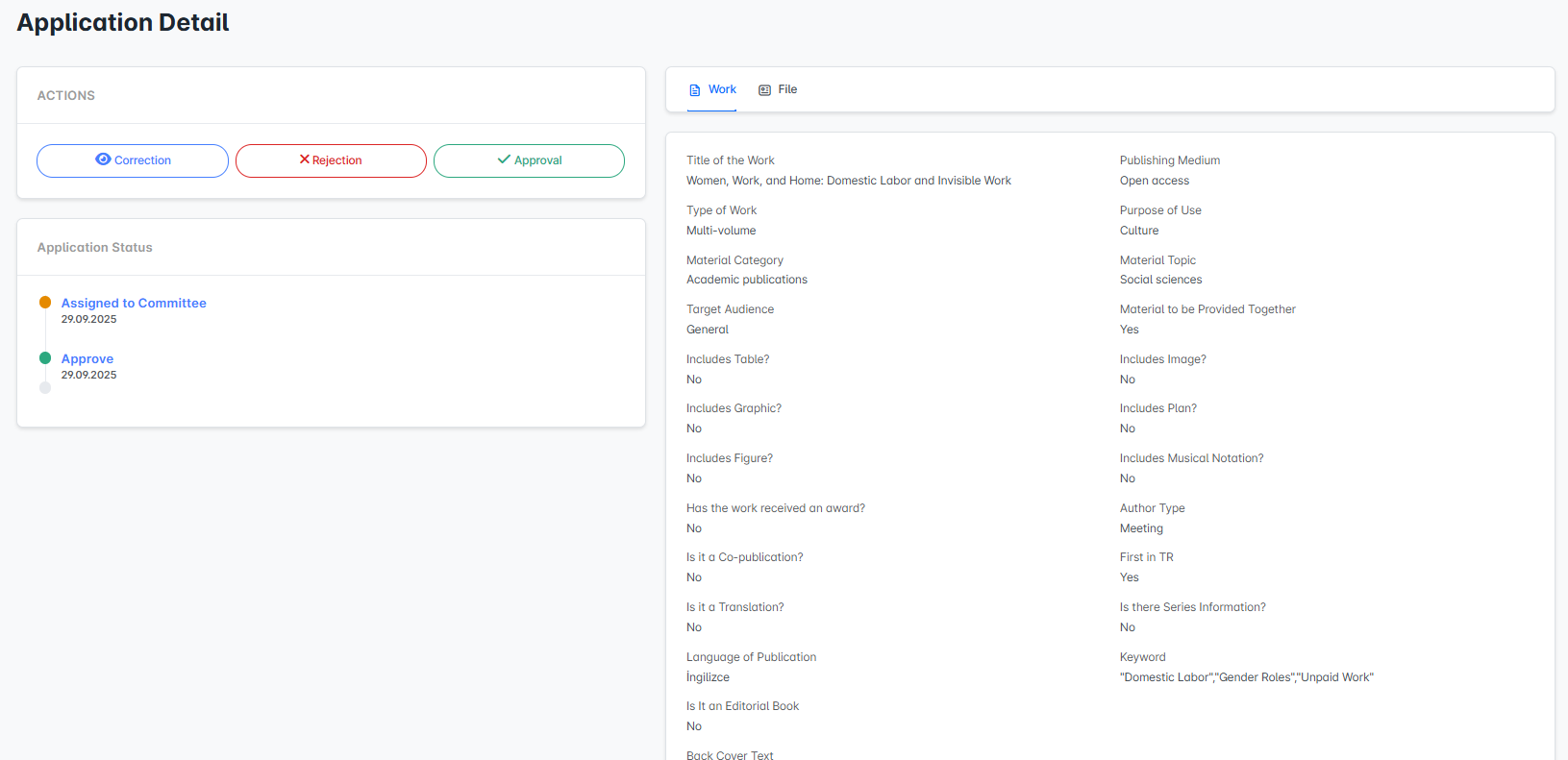
On the detail screen, the information related to the work is displayed on the right side. This includes details such as the work’s title, type, intended publication medium, target audience, material category, and content features (whether it contains images, tables, graphs, etc.). This allows committee members to fully understand the work’s characteristics and scope.
On the left side, the application status and action buttons are located. The action area provides three options: “Correction,” “Reject,” and “Approve.” If deemed necessary, a committee member can request corrections, completely reject the application, or approve it directly.
The application status timeline at the bottom shows the stages the application has gone through, along with dates and status information. For example, statuses such as “Assigned to Committee,” “Awaiting Review,” “Approved,” or “User Correction” can be tracked here in chronological order.