

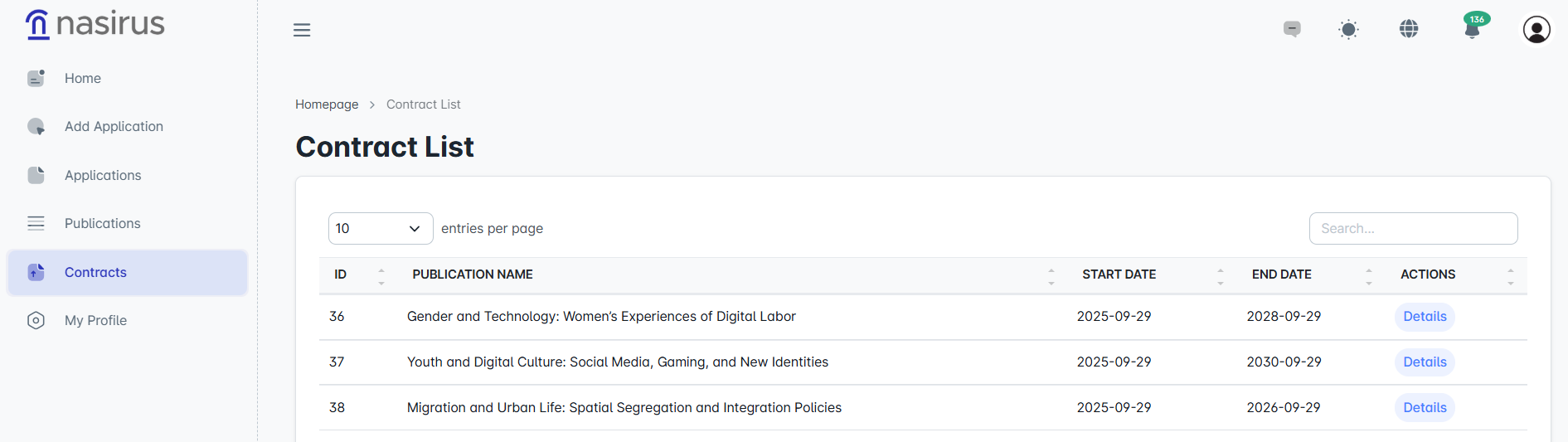
On this screen, all contracts related to publications are displayed in a list. You can easily access the publication title, start and end dates, and contract details.
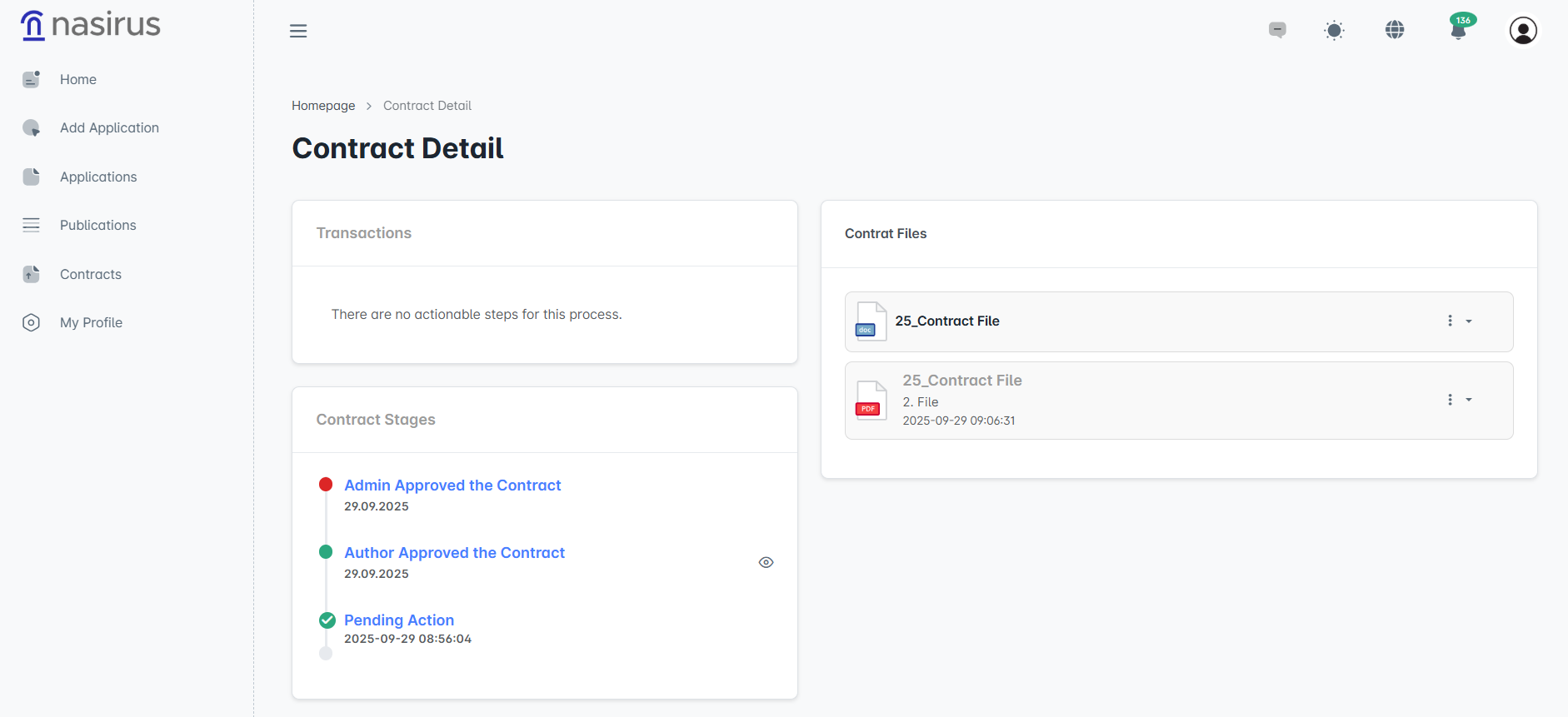
Here, you can view the contract files received from the administrator and track the current stage of the process. All approved or pending steps are listed in chronological order.
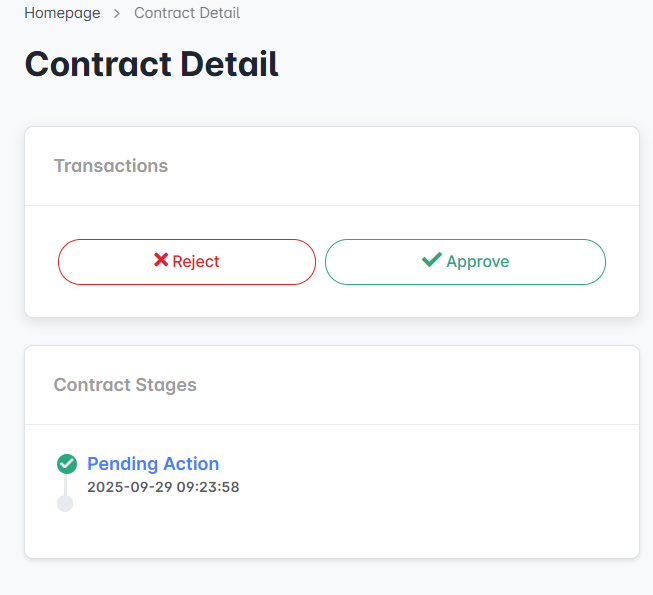
In this section, if a contract has been added by the administrator, you can approve or reject the contract. To approve, the signed contract must be uploaded to the system.
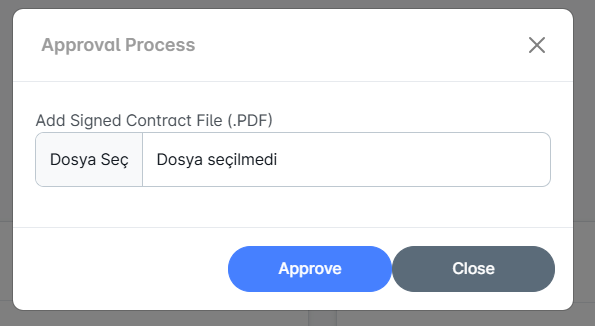
In this window, which opens when you want to approve, you need to upload the signed contract file in PDF format. Once the file is uploaded, click the “Approve” button to complete the process.
The administrator has the authority to approve, reject, or request corrections for the contract you have uploaded. Accordingly, you may be asked to re-upload the signed contract to the system.