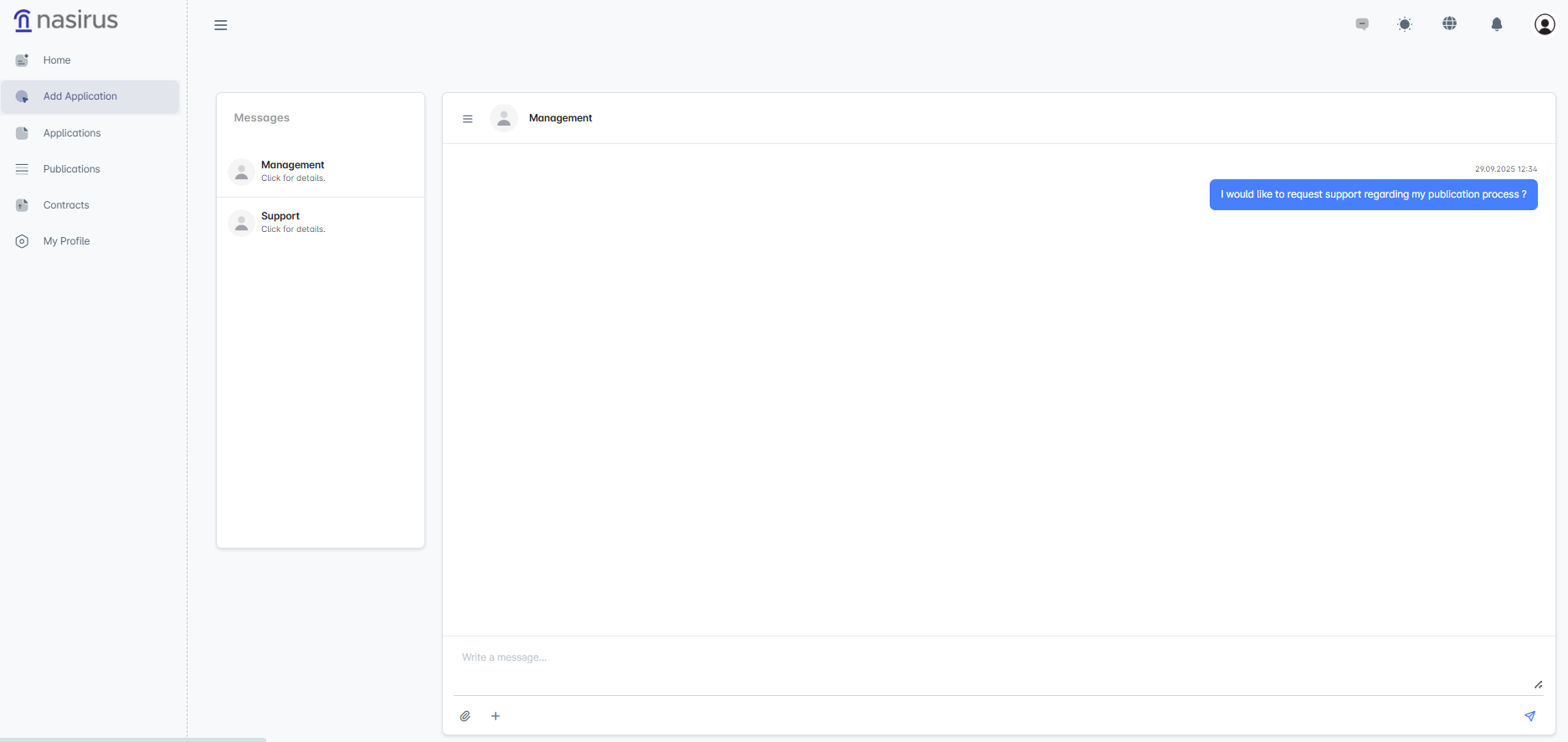

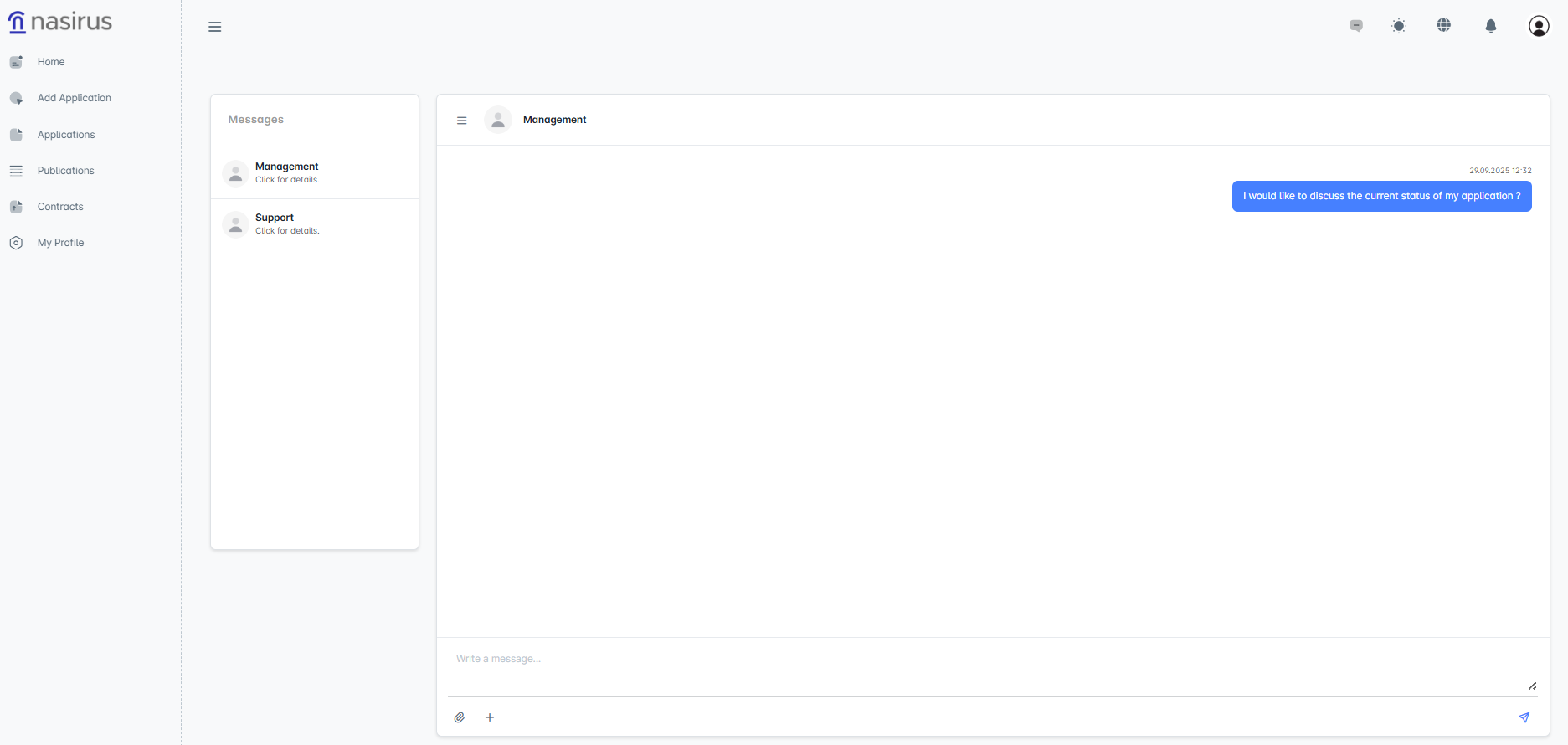
The messaging area is designed to meet users' communication needs within the system. In this section, users have two main channels: Administration and Support. Messages sent to the Administration channel allow users to request direct information regarding application processes, evaluation status, or publication stages. The Support channel is used to provide assistance to users for technical issues, system usage, or general help inquiries.
On the messaging screen, the messaging channels are listed on the left, while the conversations for the selected channel are displayed on the right. Users can type their messages in the text box and send them, and attach files if necessary. Sent messages are recorded with a timestamp, allowing the communication process to be tracked transparently.
This feature enables users to easily reach both the administration and support teams, speeding up their processes and allowing instant access to necessary information or assistance.