
The interior design process covers the layout of the work, page structure, and adaptation to digital or print formats.
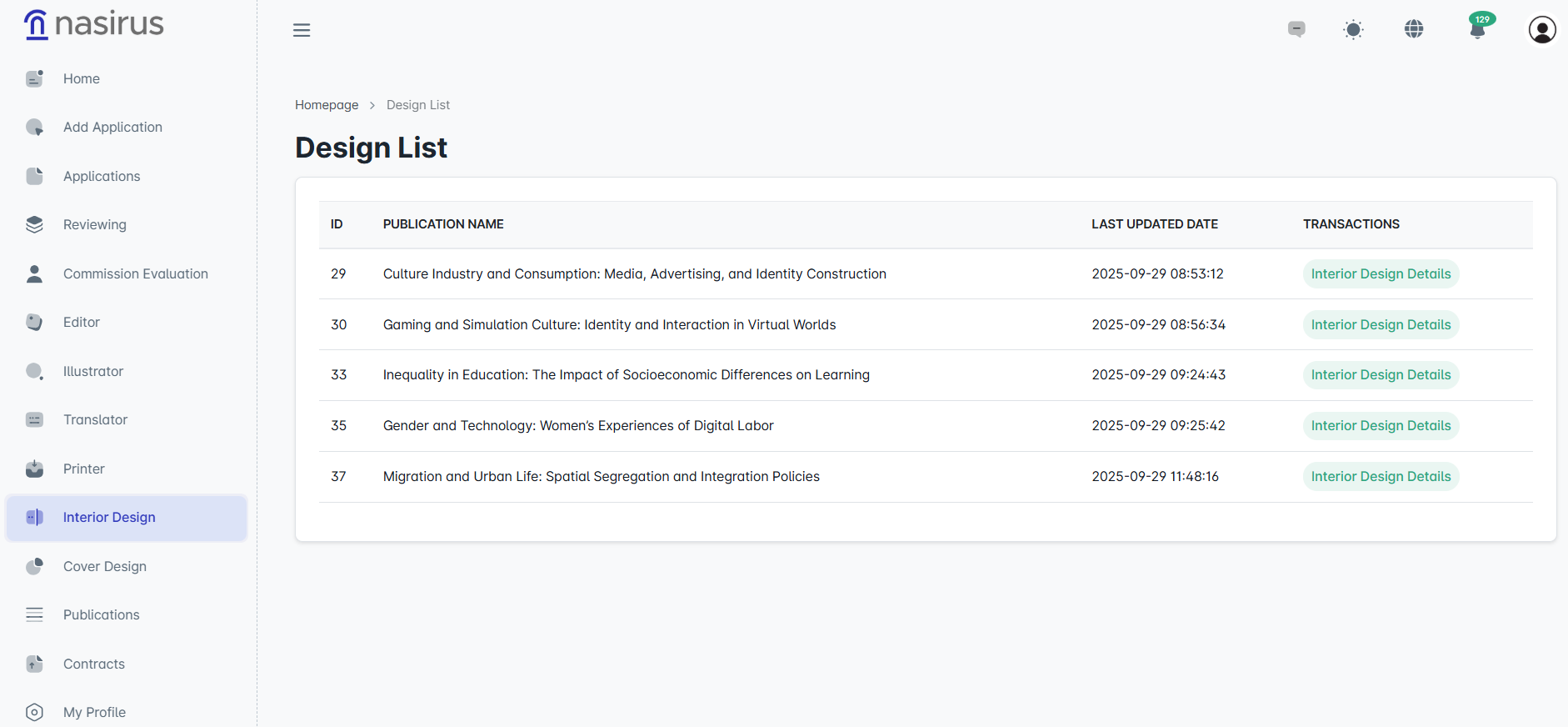
On this screen, the publications assigned to the designer are listed, showing the publication’s title, last updated date, and action buttons. From here, the designer can access the “Interior Design Details” page to view the work’s information and the application file.
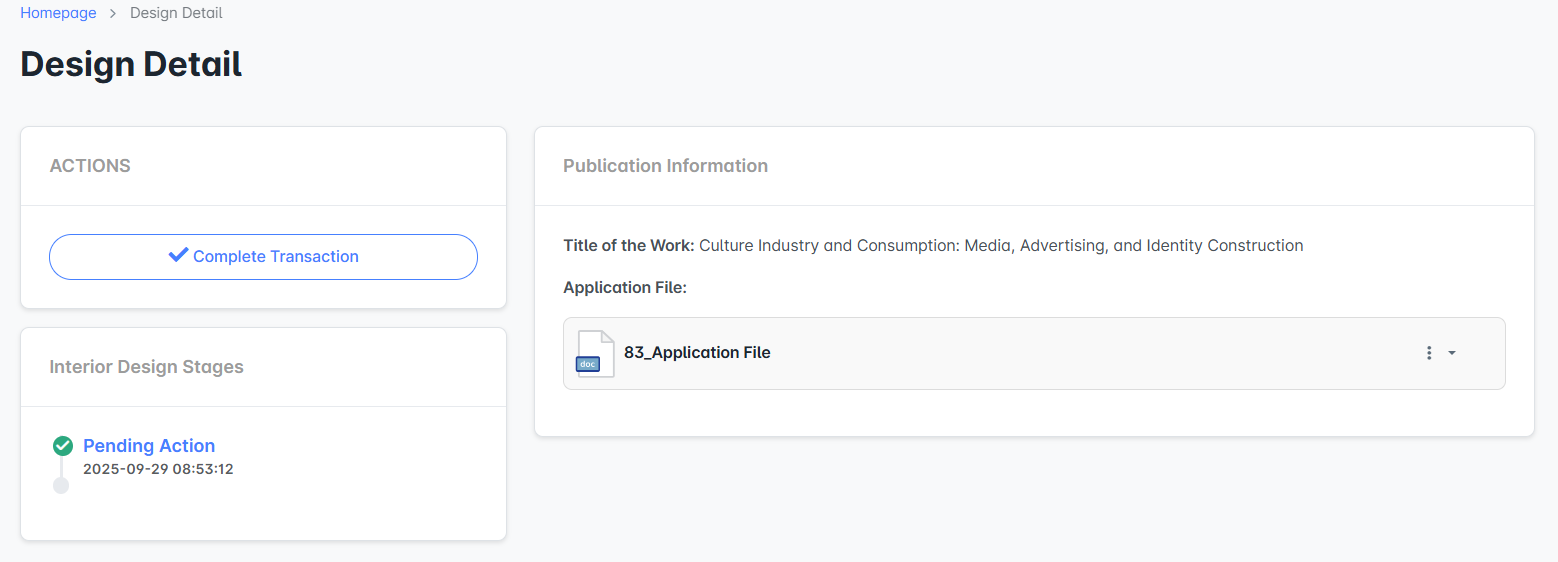
On the detail screen, the interior designer downloads the work and works on page layout, font selection, paragraph structure, and visual placement. At the end of this stage, the edited files are uploaded to the system to ensure the continuity of the process.
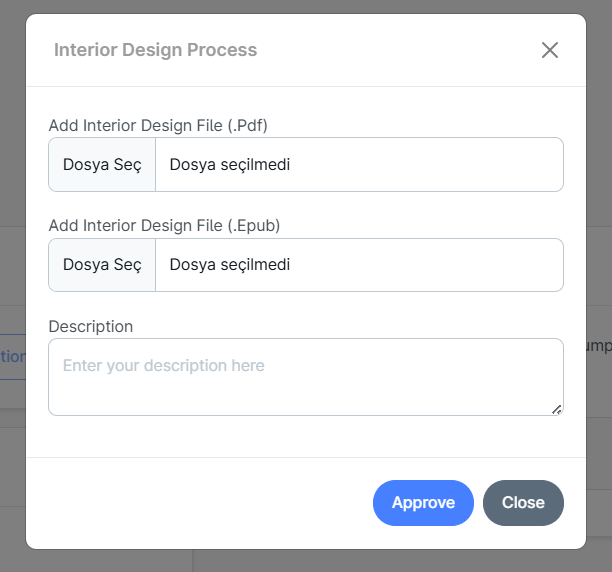
In the “Interior Design Process” window, the designer uploads files prepared in PDF and EPUB formats and can add a description. The description serves to inform the administrator about the edits made or any important notes. Once the upload is complete, the files are saved in the system and the publication process is moved to the next stage.