
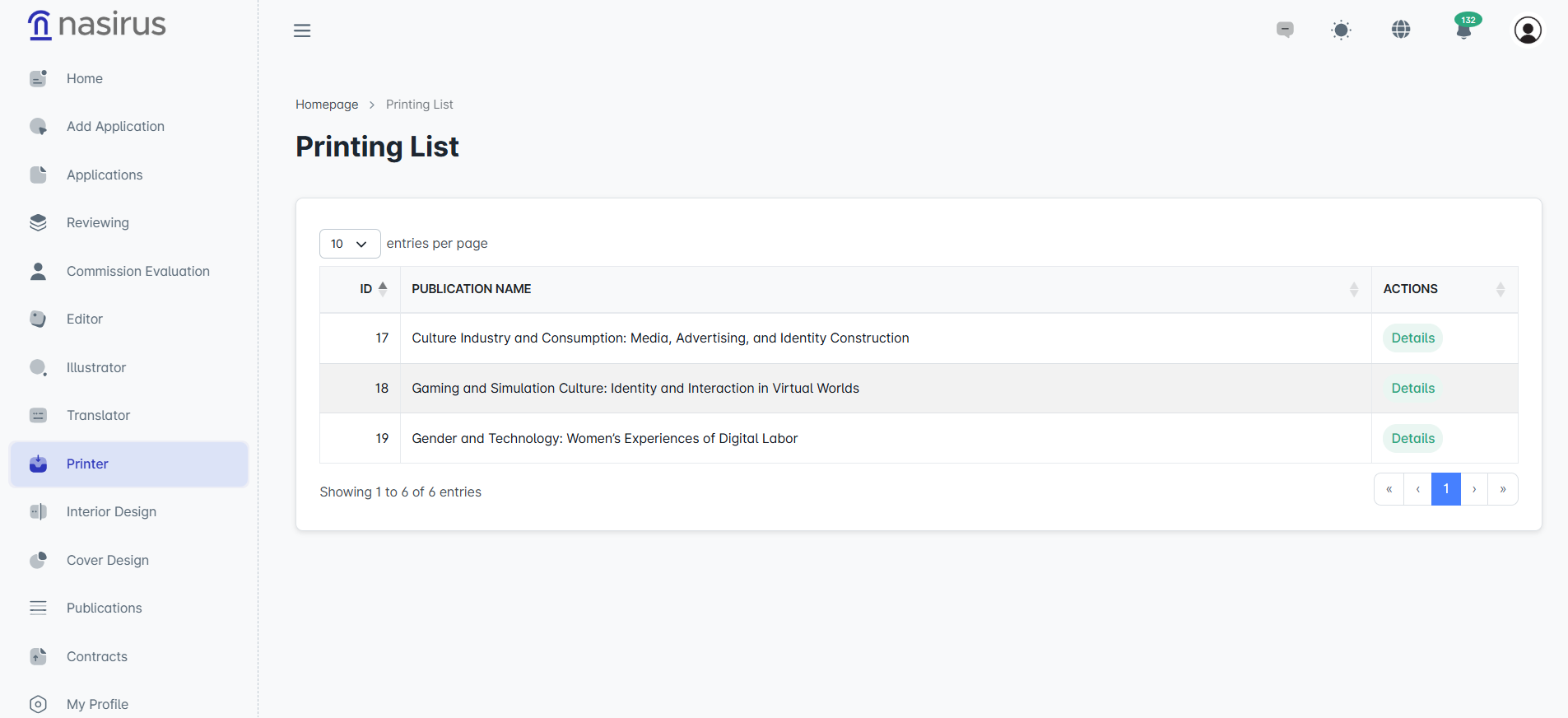
The printer screen indicates that the work has reached the printing stage and will proceed to the physical production process. On the first screen, the publications assigned to the printer are listed; the publication’s title and action buttons allow access to the detail screen.
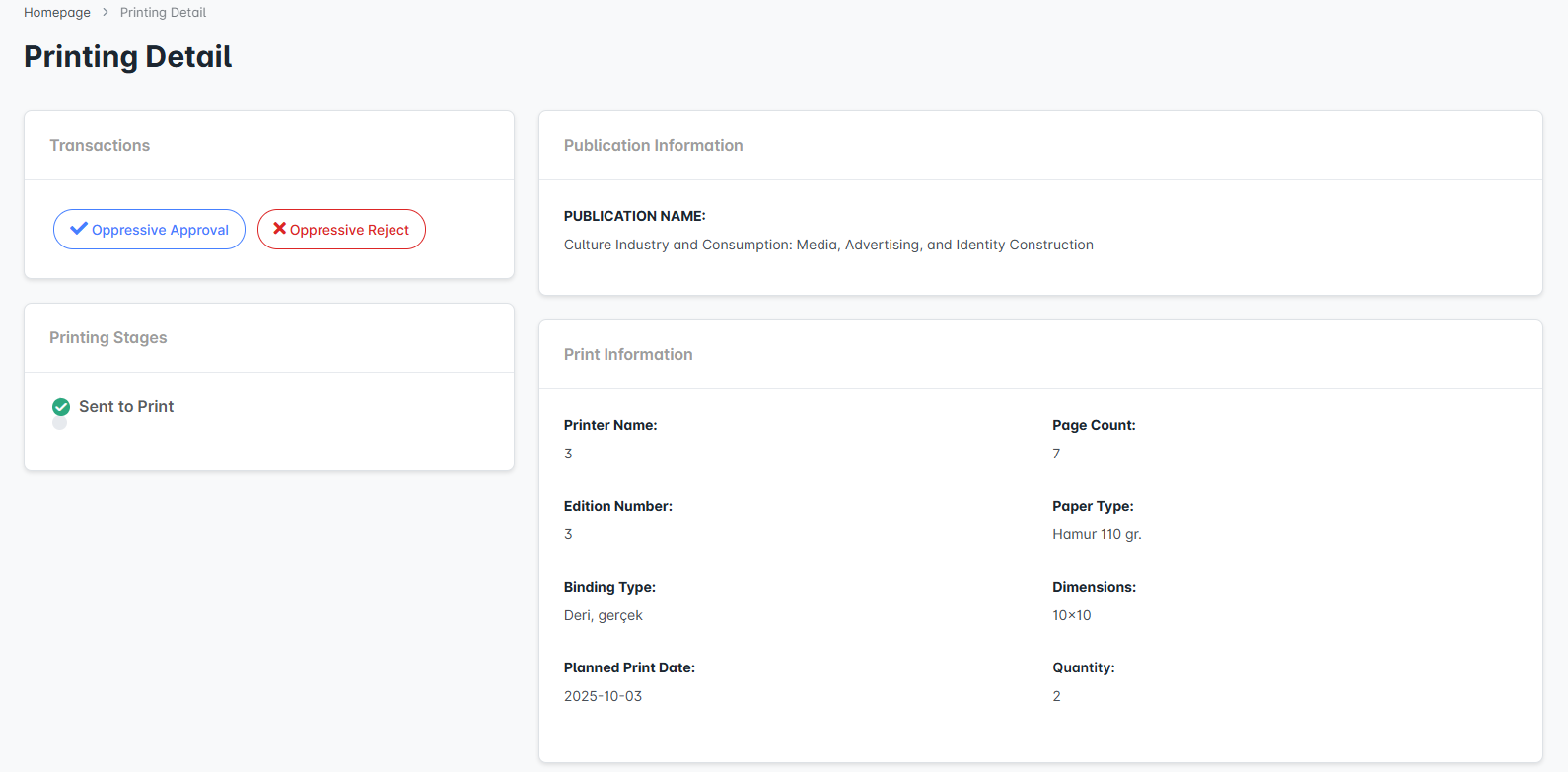
On the detail screen, the work’s title and printing information (such as edition name, edition number, binding type, page count, paper type, dimensions, and quantity) are displayed in detail. This screen also shows the publication’s ISBN number, as well as the uploaded files for interior design and cover design. This allows all technical information and files to be checked before printing.
The printer uses the “Printer Approve” button to approve the process or the “Printer Reject” button to reject it. Upon approval, the work proceeds to the printing stage, while in case of rejection, the relevant administrators can intervene to address any issues. This structure ensures that publications are fully ready in both content and technical aspects before printing.